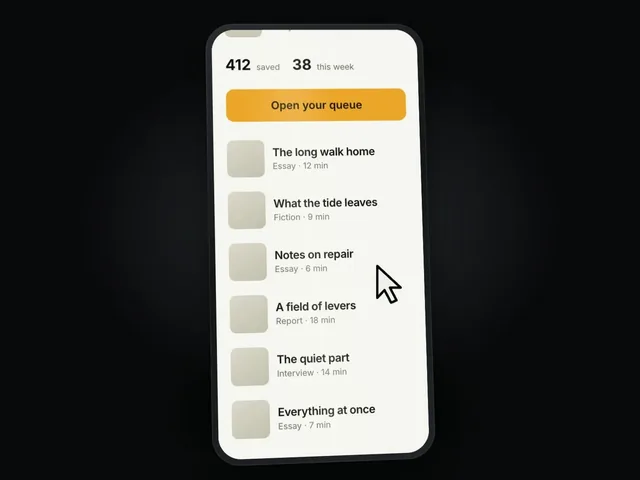
Device-Canvas Product Launch
Show a real product screen on a device, scroll into a key interaction and finish with an editable brand reveal.
$4.99
Explain a product through a narrated chat sequence: an initial question, a follow-up action and the resulting output inside one branded interface.
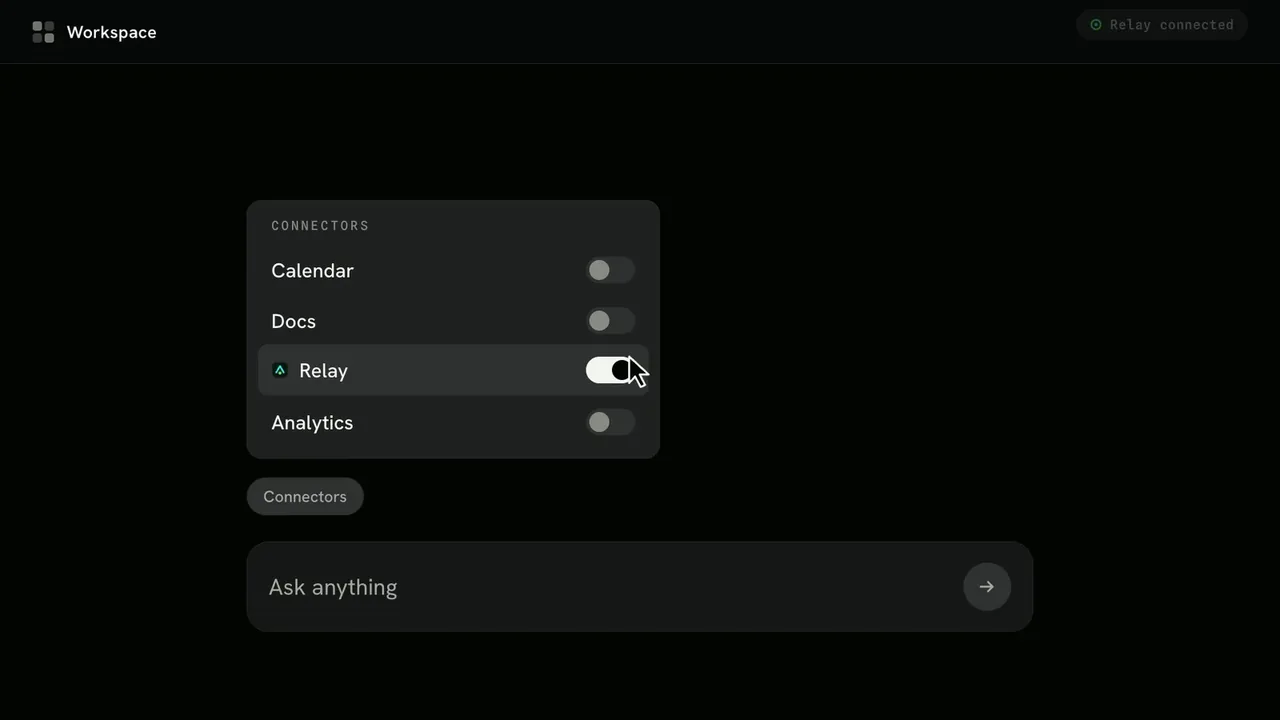
npx --yes skillry-cli@latest install bs-hyperframes-chat-to-result-launchSign in first with npx --yes skillry-cli@latest login. Use Node.js 22+ on macOS or Windows; add --agent claude-code for Claude Code. The publisher also offers ZIP installation for Linux. Paid skills require your purchase or subscription.
Requests that put this skill to work.
Create a narrated launch sequence that moves from a customer question to our product's real output inside our own interface.
v1.0.0CurrentOct 20, 2026
Public listing reviewed; instruction-package access remains with the original publisher.
Explain a product through a narrated chat sequence: an initial question, a follow-up action and the resulting output inside one branded interface. A 30–45 second narrated 1920 × 1080 film, storyboard and editable interface system.
A real product action, an owned or neutral interface, the conversation, result evidence and brand assets. Publisher-listed dependencies: HyperFrames CLI — required; Node.js 22 or newer — required; FFmpeg — required.
The publisher-listed individual price was USD 4.99 when checked. Publisher account access and an eligible purchase or subscription are required. Third-party services may have separate costs.
Sign in with npx --yes skillry-cli@latest login, then run npx --yes skillry-cli@latest install bs-hyperframes-chat-to-result-launch. The publisher documents Node.js 22 or newer on macOS or Windows for its CLI. Add --agent claude-code for Claude Code; the default installation folder is shared by Codex and Cursor. Linux users can use the publisher's ZIP installation option.
Show a real product screen on a device, scroll into a key interaction and finish with an editable brand reveal.
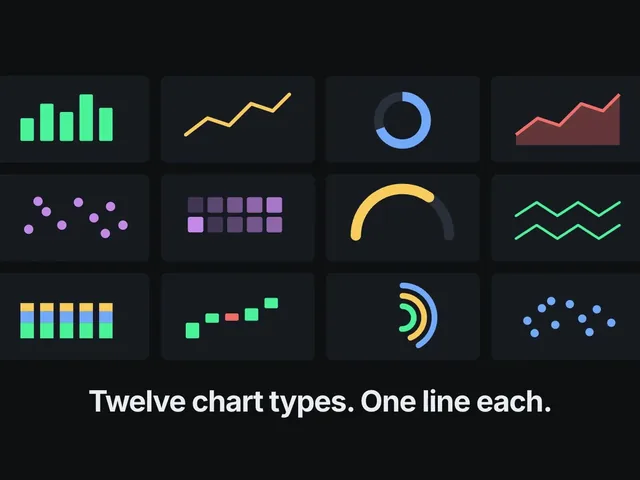
Introduce an agent capability across four supported interfaces, follow with real output examples and close with its install command.
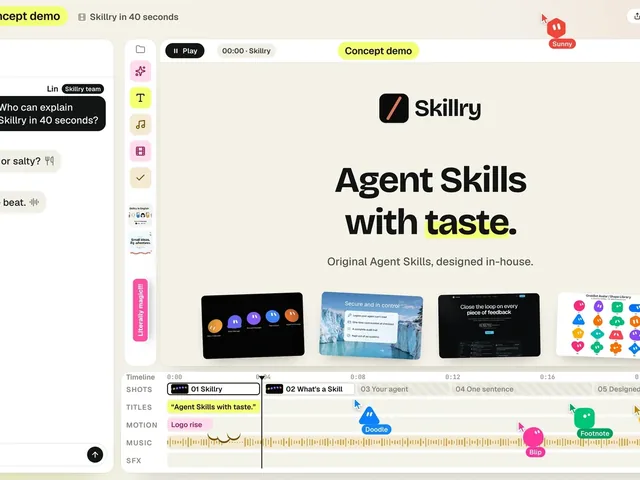
Create a playful launch film in which a small animated character crew assembles a promo from your product's real assets.